Leaf coloring pages
from an authorized photo
Explore leaf coloring-page ideas with practical photography, outline and palette advice. Learn how to prepare an authorized image and check your print.
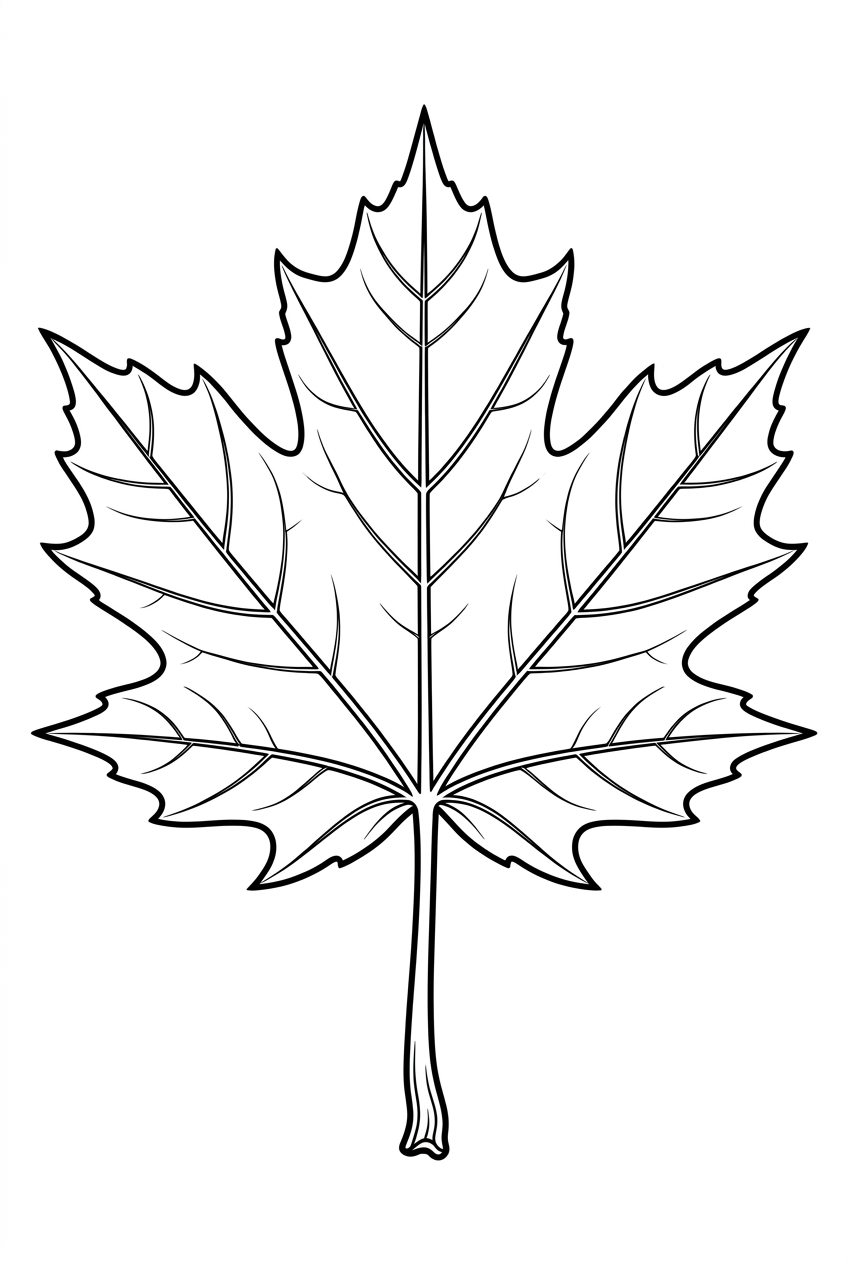
Draw or color this page for personal use. The outline is drawn from a photograph released for this guide. At this size it prints cleanly at A5, and softly at A4 — check one sheet before making copies.
- Sheet
- A4 · 210 × 297 mm
- Resolution
- 848 × 1264 px · ≈ 103 DPI at A4
- Licence
- Personal use · no resale
Free, no sign-in. Downloads stay available while the artwork is published.
Want this from your own photo?
Upload a photo you own and get a clean line drawing at A4, 300 DPI. Three free drafts a day, no card.
Create a coloring pageThe guide
Everything the page needs before you print it.
Prepare your leaf photograph
Photograph a fallen leaf or a permitted specimen on a plain contrasting surface. Flatten it gently without damaging it and include the stem. Side light can reveal the main veins. Avoid a background with scratches or grain that could be mistaken for leaf texture. Check the photograph at its original size before choosing it: the main edges should be visible without sharpening filters. Crop away unnecessary surroundings while retaining the full subject. A clear source gives you a better starting point, but it does not guarantee a particular generated result.
Choose useful leaf outlines
The outer contour, central vein and a few branching veins are sufficient for many designs. Preserve distinctive lobes or serrated edges, but reduce tiny teeth when they become crowded. Leave wide areas between veins so the page supports both flat color and gradual shading. Think about the page at the size you will actually print, rather than judging only a zoomed screen view. Larger enclosed areas suit a relaxed session; a more detailed outline takes longer to color. Inspect the candidate for missing, doubled or confusing edges before treating it as finished artwork.
Plan a leaf palette
Try summer greens or an autumn combination of gold, russet and muted red. Follow the veins with gentle strokes and blend outward. A small patch of contrasting color can suggest seasonal change without adding a different shade to every vein compartment. Keep a small swatch beside the page and build color in light layers. The photograph can guide your choices, but you can also make an intentional decorative interpretation. Test your pencils or pens on the same paper first, because paper texture and ink coverage change how colors appear.
Try a focused coloring exercise
Divide a practice leaf into two halves: color one with flat fills and the other with layered transitions. Decide which treatment suits the printed outline. Keep the stem slightly darker than the blade to separate it without heavy black shading. Set aside a small practice area instead of experimenting immediately on the most important feature. Pause after the first layer and view the sheet from a normal reading distance. You can leave some areas white; a completed page does not require filling every space or reproducing every photographic shadow.
Check the print and permissions
Inspect the actual downloaded pixel dimensions before printing this leaf page. A4 is 210 by 297 millimeters; a full A4 raster at 300 pixels per inch is approximately 2480 by 3508 pixels. A larger export canvas alone does not prove that the source has that much detail. Use an A4 PDF at its intended page size, check the printer preview for clipping, and test one sheet before making copies. Collect only where allowed and avoid handling unfamiliar irritating plants. Use only photographs you own or are explicitly authorized to adapt. Do not upload minors, celebrities, strangers or restricted material.
Questions
Before you print.
Answers written for this guide. If a page still looks wrong at print size, do not print a stack of copies.
Do all leaf veins need to appear in the outline?
No. The main vein and larger branches usually communicate the structure. Smaller veins can be suggested with pencil after printing rather than crowding the line drawing.
How should I check a leaf page before printing?
Inspect the leaf outline at normal page size for unclear edges and small crowded areas. Check the file’s actual pixel dimensions, use the intended A4 page size when available, and print one test sheet. An enlarged file is not proof of additional original detail.
What is a useful practice exercise before coloring a leaf page?
Divide a practice leaf into two halves: color one with flat fills and the other with layered transitions. Decide which treatment suits the printed outline. Keep the stem slightly darker than the blade to separate it without heavy black shading.
Plate 09 — Your turn
Your next bestseller starts as a photo.
Three free drafts, no card. Print files cost credits from the standard tier up.
Create a coloring page